Automate affiliate blog with n8n becomes much easier once you understand how each node in the workflow actually works.
In my previous post, I showed the full automation system. Now, I will break it down step-by-step so even beginners can understand how to build a working AI blogging system.
This is not theory. This is the exact workflow I use while working full-time as a highway bus driver.
Quick Answer
You can automate affiliate blog with n8n by connecting a database (Google Sheets or Airtable), AI content generation (OpenAI), and WordPress publishing using API nodes.
Each node handles a specific task, and together they create a fully automated content system.
Problem: Why Most People Fail with n8n Automation
Most beginners try to build everything at once and get overwhelmed.
- They don’t understand node roles
- They mix logic and data incorrectly
- They rely too much on unstable setups like random spreadsheets
The result? Broken workflows and frustration.
The key is simple:
Understand each node’s role first. Then connect them.
Step-by-Step: My n8n Workflow Explained
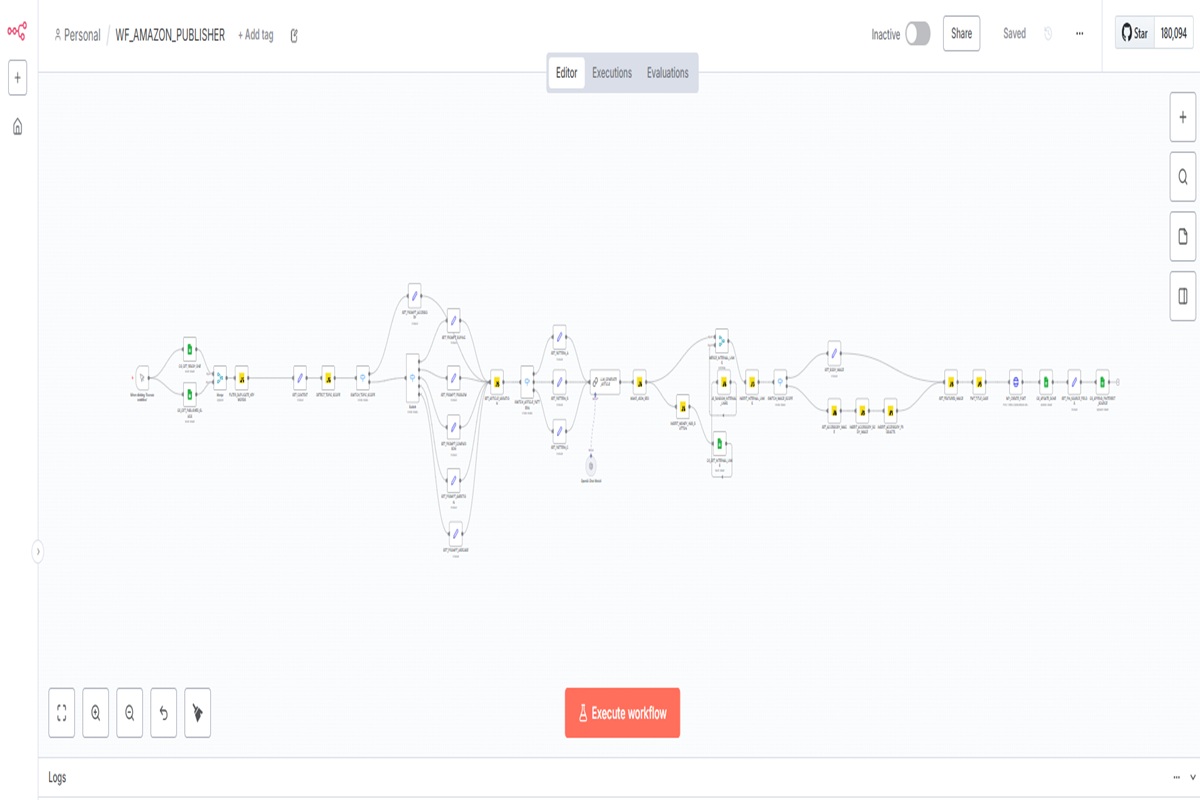
Actual n8n workflow used to automate affiliate blog with n8n.
1. Get Row (Database Input)
This node pulls a keyword and topic from your database.
Example:
- Keyword: automate affiliate blog with n8n
- Type: tutorial
This becomes the starting point of your entire workflow.
2. Set Node (Context Builder)
This node structures the data for AI.
It prepares variables like:
- keyword
- title
- content type
Without this step, your AI output will be inconsistent.
3. OpenAI Node (Content Generation)
This is where the magic happens.
The AI generates:
- SEO-optimized blog content
- structured headings
- natural keyword placement
This is how you automate affiliate blog with n8n without writing manually.
4. Function / Formatting Node
This node cleans and formats the content.
- Adds internal links
- Inserts CTA buttons
- Fixes HTML structure
This step separates amateur automation from professional systems.
5. WordPress Node (Auto Publishing)
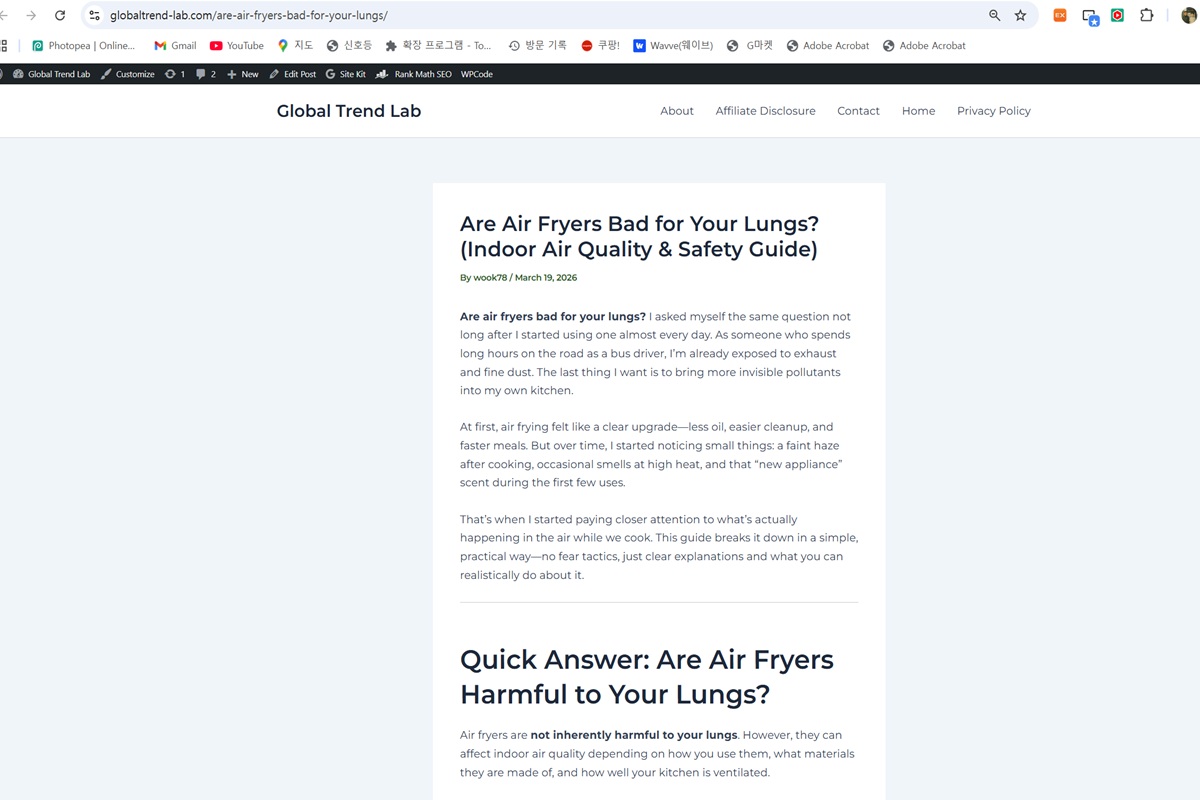
Example of a fully automated affiliate blog post published live on WordPress using n8n automation.
This node sends the final content to WordPress.
- Title
- Slug
- Content
- Status (Draft / Publish)
Once this runs, your post is live automatically.
System Stack (What You Actually Need)
- n8n — Workflow automation engine
- OpenAI — Content generation
- Google Sheets / Airtable — Keyword database
- WordPress — Publishing platform
This combination allows you to build a scalable automated blogging system.
Common Mistakes to Avoid
- Trying to automate everything at once
- Skipping content structure
- Ignoring SEO formatting
- Not testing each node individually
Build → Test → Expand
This is the only way to scale safely.
CTA: Build Your Own Automation System
If you are serious about building passive income, you need systems—not effort.
Next Post
In the next article, I will share the exact prompt system I use to generate SEO-optimized content automatically.
👉 This is where automation turns into real traffic.